

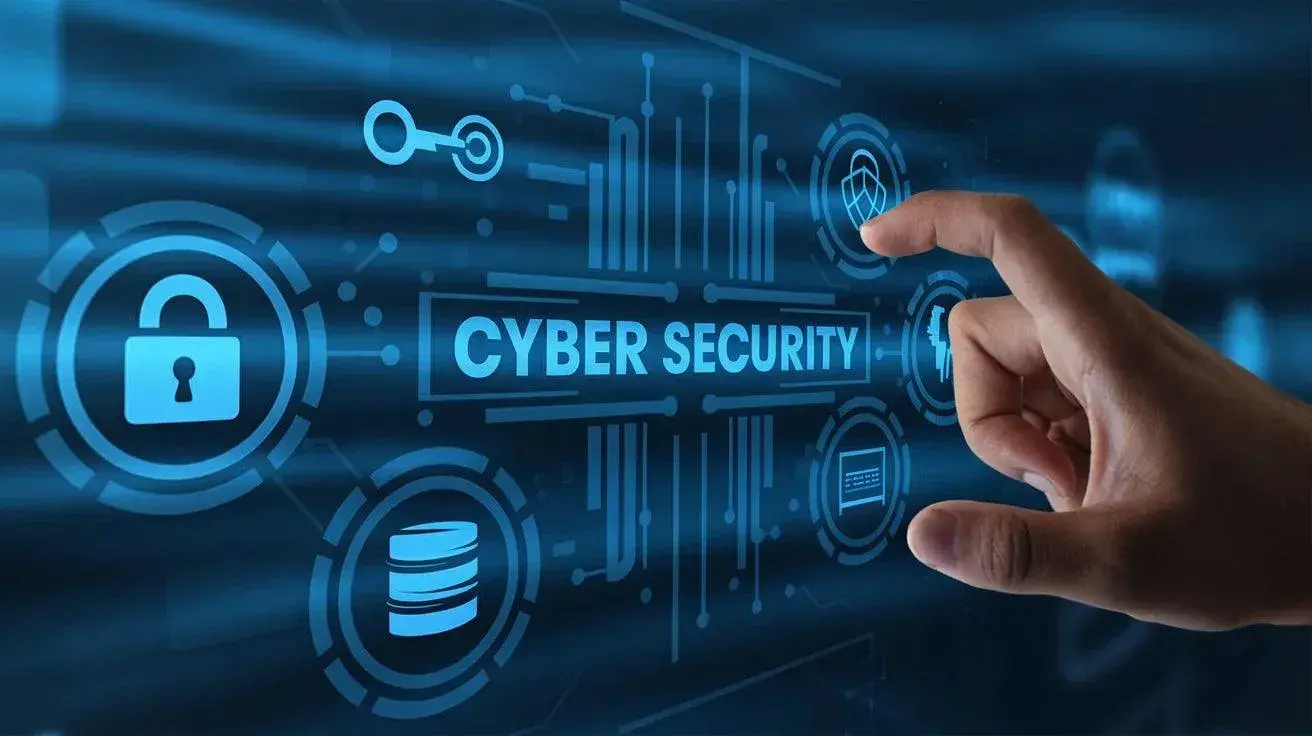
The internet has made everyday tasks easier. We use it for banking, shopping, work, education and staying connected with friends and family. But as our online activity grows, protecting personal information has become increasingly important.
Cybersecurity is not only for large companies or technology experts. Simple precautions can help anyone protect their accounts, devices and personal information from common online threats.
What Is Cybersecurity?
Cybersecurity means protecting computers, smartphones, online accounts, networks and digital information from unauthorized access, attacks or misuse.
For regular internet users, it mainly means taking sensible steps to keep information such as passwords, financial details, personal documents and private messages secure.
Why Should You Protect Your Personal Data?
Personal information can be misused if it falls into the wrong hands. Stolen login details, for example, can potentially be used to access email, social media or financial accounts.
This is why it is important to think carefully before sharing sensitive information online or responding to unexpected messages.
Simple Ways to Stay Safe Online
- Use Strong, Different Passwords
Avoid using easy-to-guess passwords such as your name, birthday or phone number. It is also better to use different passwords for important accounts.
If remembering passwords is difficult, a reputable password manager can help create and store them securely.
- Enable Two-Factor Authentication
Two-factor authentication, or 2FA, adds an additional verification step when you sign in.
Even if someone obtains your password, a second authentication factor can provide another barrier against unauthorized access. Enable 2FA on important accounts whenever it is available.
- Don’t Click Suspicious Links
Phishing scams often arrive through email, text messages or social media. A message may ask you to verify an account, make a payment or click a link urgently.
Don’t click links simply because a message looks official. If you are unsure, visit the organization’s official website or app directly and check the information there.
- Never Share OTPs or Security Codes
Never give an OTP, verification code or authentication code to someone who unexpectedly asks for it.
Banks and other legitimate services may send verification codes for actions you initiate, but you should not disclose those codes to callers or messages you do not trust.
- Keep Your Devices Updated
Keep your phone, computer, operating system, browser and apps updated. Software updates often include security fixes as well as new features.
Turning on automatic updates, where appropriate, can make it easier to install important security patches.
- Be Careful on Public Wi-Fi
Public Wi-Fi can be useful but avoid assuming that every public network is secure.
When using an unfamiliar network, be particularly careful with sensitive activities. For important accounts, use a trusted connection whenever possible.
- Review App Permissions
Apps may request access to your camera, microphone, contacts or location.
Check whether an app actually needs the permission it requests. You can also review permissions in your phone’s settings and remove access that is no longer necessary.
- Be Careful About Social Media Sharing
Think before posting personal information publicly. Details such as your home address, travel plans, phone number or photographs of important documents can create unnecessary privacy risks.
Review your social media privacy settings regularly.
- Keep Backups of Important Files
Important photographs, documents and other files should be backed up regularly.
A trusted cloud-storage service, external storage device or another suitable backup method can help you recover important information if your device is lost, damaged or affected by malicious software.
How to Recognise a Possible Scam
Be cautious when a message:
- Creates a strong sense of urgency.
- Ask for passwords, OTPs or financial information.
- Contains an unexpected link or attachment.
- Promises an unusually large reward or benefit.
- Ask you to send money unexpectedly.
If something seems unusual, stop and verify it through an official channel before action.
Final Thoughts
Good cybersecurity does not have to be complicated. Using strong and unique passwords, enabling two-factor authentication, keeping software updated and being careful with unexpected messages can significantly improve your online security.
The most important habit is to pause and verify before clicking, sharing information or making a payment. A few extra seconds of caution can help protect your personal data and online accounts.