


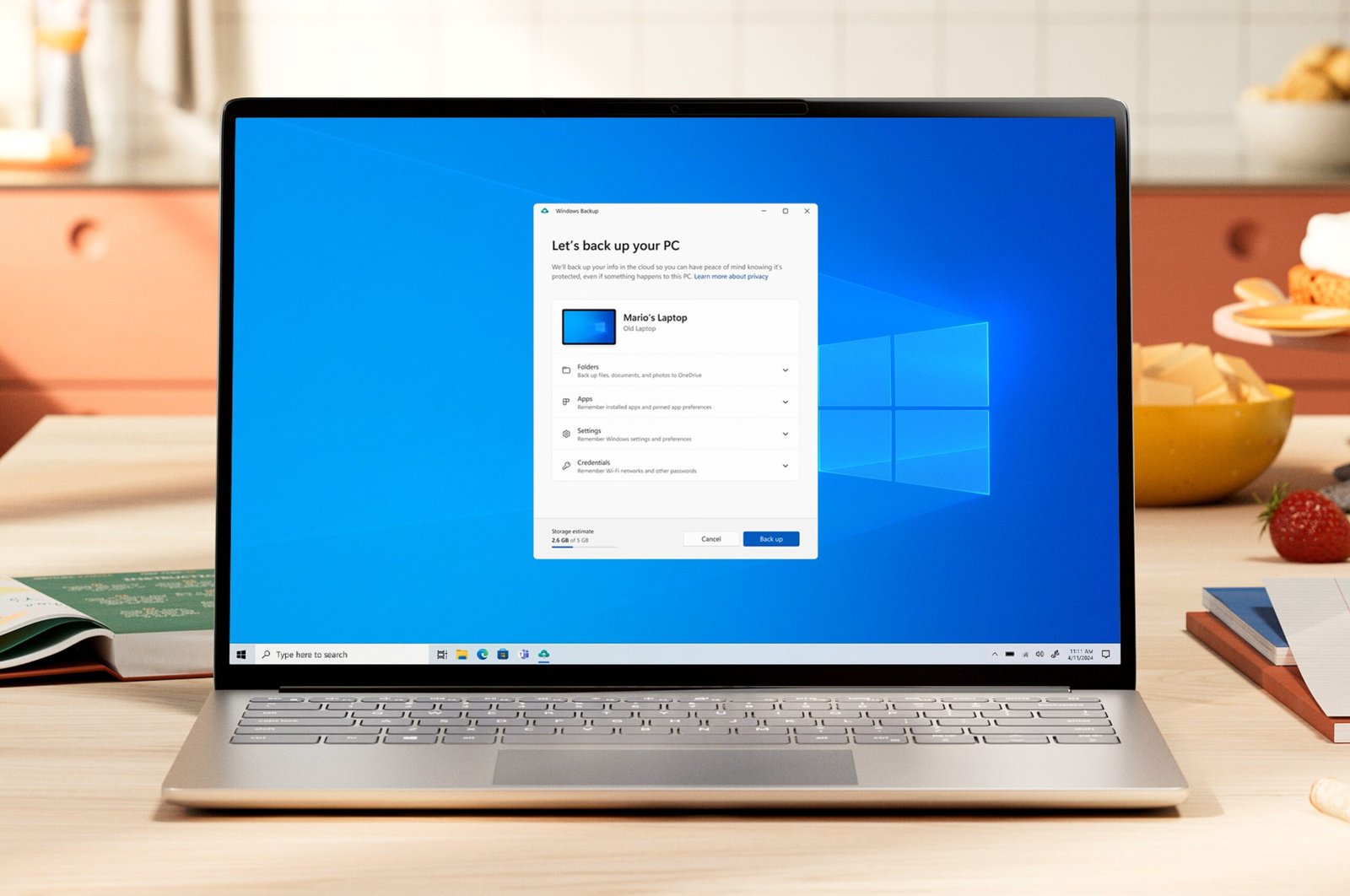
Microsoft has announced a range of new features and improvements for Windows 11 users, focusing on faster performance, better productivity, improved gaming experiences and smoother connectivity between smartphones and PCs.
The latest updates aim to make everyday computer tasks easier while providing users with more control over their devices. According to Microsoft’s Windows Experience Blog, the company has been working on several improvements based on feedback from Windows Insider users, with some features now beginning to roll out more widely.
Windows 11 Gets Performance Improvements
One of the major highlights of the announcement is improved system performance. Microsoft says Windows 11 can now deliver up to 20% better responsiveness across several everyday activities.
The improvements cover different areas, including the Start menu, File Explorer, Windows Search, Snipping Tool, Microsoft Edge and other commonly used applications.
Microsoft has also improved memory management to help computers use available system resources more efficiently. This could be particularly beneficial for PCs with 8GB RAM, allowing users to keep more active data in memory and experience smoother multitasking.
New Windows Search Makes Everyday Tasks Easier
Microsoft is also introducing an improved Windows Search experience designed to help users do more directly from the taskbar.
Instead of simply searching for applications, files and settings, users will be able to perform certain actions directly from search results.
For example, users can search for settings such as Dark Mode or Night Light and change them without navigating through multiple menus.
The updated search experience is currently available to Windows Insiders, with a wider rollout planned for later in 2026.
Better Smartphone and PC Connectivity
Another important improvement focuses on connecting smartphones with Windows 11 computers.
Microsoft is expanding phone integration to help users access messages, notifications, files and supported mobile applications directly from their PCs.
With compatible Android devices, users can open mobile applications in separate, resizable windows on their desktops. They can also browse phone files through File Explorer and access recently captured photos more conveniently.
The company is also improving the experience for iPhone users, allowing supported phone notifications and messages to appear within Windows.
These changes are designed to reduce the need to switch constantly between a smartphone and computer.
Microsoft Photos Gets a New Editing Experience
The Microsoft Photos application is also receiving significant improvements.
The redesigned Photos experience introduces a more convenient Gallery, faster image viewing and an improved editing interface.
Users will be able to organise and explore their photo collections more easily. The updated editor also includes features such as object removal and Relight, helping users make adjustments to their pictures directly from their PCs.
Microsoft says the Photos app can launch up to 20% faster, making it easier to access and edit images.
Better Gaming Performance for Windows Users
Gaming is another major focus of Microsoft’s latest Windows improvements.
The company is expanding Advanced Shader Delivery (ASD), a technology designed to reduce game loading times by delivering precompiled shaders for supported titles.
Games such as Forza Horizon 6 and Gears of War: E-Day are among the supported titles mentioned by Microsoft.
The technology aims to reduce waiting times when launching games and provide a smoother gaming experience. Microsoft also recommends keeping graphics drivers updated and installing the Xbox PC app before downloading supported games.
New Features for Touch, Pen and Accessibility
Microsoft is also improving the way users interact with compatible Windows devices.
The new Microsoft Ink Canvas provides flexible space for sketching, writing notes and organising ideas using a digital pen or touch input.
Additionally, advanced haptic feedback on supported accessories will provide subtle physical responses during certain actions, making interactions feel more natural.
Windows 11 is also receiving accessibility improvements, including Screen Tint options, enhanced Magnifier controls and better Narrator support for users who rely on screen-reading technology.
When Will These Windows Features Be Available?
Microsoft has confirmed that these improvements will reach users through a gradual rollout. Some features are already available to Windows Insiders, while others will become available more broadly during 2026.
However, availability may depend on the device, hardware compatibility, Windows version and region.
Users can check for available updates by navigating to Settings > Windows Update > Check for updates on their Windows 11 PCs.
Final Words
With these latest improvements, Microsoft is focusing on making Windows 11 faster, more useful and better connected. From improved system responsiveness and smarter search to enhanced gaming and photo editing, the updates are designed to improve the everyday PC experience.
While not every feature will be available immediately on all devices, the upcoming changes indicate Microsoft’s continued efforts to make Windows a more efficient platform for work, entertainment and creativity.