


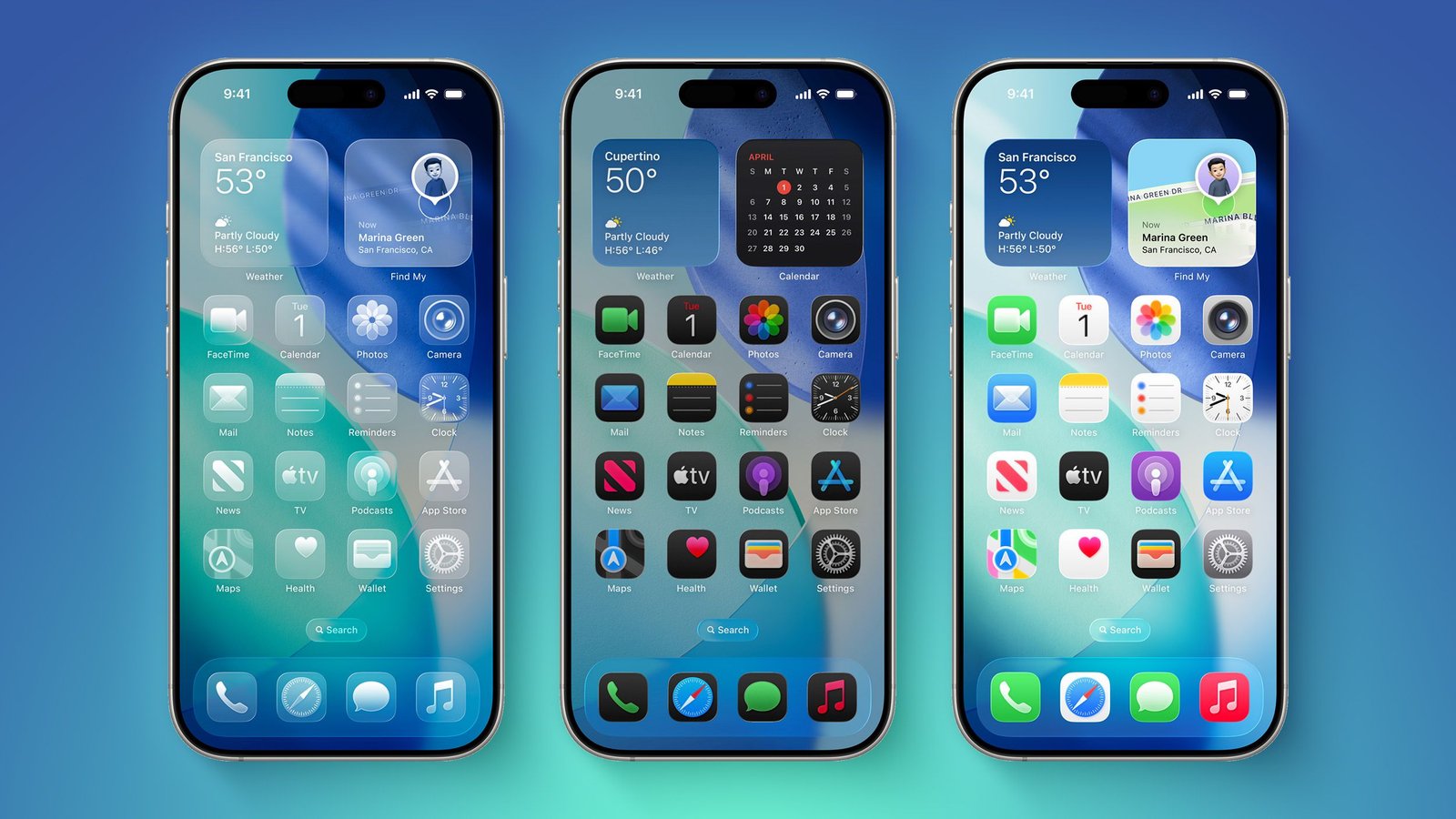
Apple iOS 27 Release Date, Download Guide, Supported iPhones and New Features
Apple has officially started rolling out iOS 27 today, September 14, 2026, bringing a major software upgrade to compatible iPhone models. The update introduces a redesigned experience, performance improvements and a new generation of Apple Intelligence features, including the much-anticipated Siri AI. Apple has confirmed that iOS 27 is available from September 14, although the exact availability time can vary by region.
For users in India, reports indicate that the update is expected to become available at around 10:30 PM IST. Users may not see the update immediately because Apple typically rolls out software updates gradually across regions and devices.
What’s New in iOS 27?
One of the biggest highlights of iOS 27 is Siri AI, which gives Siri more advanced conversational and contextual capabilities. Apple says users can interact with Siri naturally through typing or voice to get things done across their iPhone. Siri AI is initially rolling out in English.
The update also brings several improvements to the iPhone experience, including:
- New Siri AI with more advanced conversational capabilities
- Improvements to Apple Intelligence
- Further refinements to the Liquid Glass design
- A new slider to adjust Liquid Glass appearance
- More detailed and sharper app icons
- Faster app launches
- Faster photo loading
- Faster AirDrop transfers
- Improvements to Wi-Fi and cellular network switching
- More useful search results in Mail
- New contextual suggestions in Messages and Mail
- Additional Lock Screen customisation options
Apple claims that app launches can be up to 30% faster, photos can load up to 70% faster, and AirDrop transfers can be up to 80% faster under the company’s stated conditions.
Which iPhones Are Eligible for iOS 27?
Apple has kept compatibility broad. iOS 27 supports iPhone 11 and newer models, along with the iPhone SE (2nd generation and later).
iOS 27 Compatible iPhones
- iPhone 18 Pro
- iPhone 18 Pro Max
- iPhone Duo
- iPhone Air
- iPhone 17
- iPhone 17e
- iPhone 17 Pro
- iPhone 17 Pro Max
- iPhone 16e
- iPhone 16
- iPhone 16 Plus
- iPhone 16 Pro
- iPhone 16 Pro Max
- iPhone 15
- iPhone 15 Plus
- iPhone 15 Pro
- iPhone 15 Pro Max
- iPhone 14
- iPhone 14 Plus
- iPhone 14 Pro
- iPhone 14 Pro Max
- iPhone 13
- iPhone 13 mini
- iPhone 13 Pro
- iPhone 13 Pro Max
- iPhone 12
- iPhone 12 mini
- iPhone 12 Pro
- iPhone 12 Pro Max
- iPhone 11
- iPhone 11 Pro
- iPhone 11 Pro Max
- iPhone SE (2nd generation and later)
However, not every iPhone will receive every AI feature. Siri AI and other advanced Apple Intelligence capabilities require newer hardware, starting with iPhone 15 Pro and later.
How to Download and Install iOS 27
Once the update becomes available on your iPhone, follow these steps:
Step 1: Open Settings.
Step 2: Go to General.
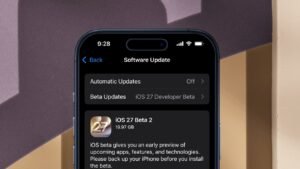
Step 3: Tap Software Update.
Step 4: Wait for iOS 27 to appear.
Step 5: Tap Download and Install.
Step 6: Enter your iPhone passcode if requested and follow the on-screen instructions.
Apple recommends keeping the iPhone connected to Wi-Fi and power during the update process.
Things to Do Before Installing iOS 27
Before installing a major software update, users should take a few precautions.
1. Back Up Your iPhone
The most important step is to create a recent backup using iCloud or a computer. This ensures that your important photos, contacts, messages and other data can be recovered if something goes wrong.
2. Check Your Storage
Major iOS updates require free storage space. Go to:
Settings → General → iPhone Storage
Delete unwanted videos, duplicate photos or unused apps if necessary.
3. Charge Your iPhone
Keep the battery sufficiently charged and preferably connect the iPhone to a charger during installation.
4. Update Important Apps
After installing iOS 27, some apps may require updates for full compatibility. Check the App Store for pending updates.
5. Don’t Panic If the Update Isn’t Showing
The update may not appear immediately on every device. Apple has confirmed the September 14 release, but availability can vary by region and rollout timing.
Should You Install iOS 27 Immediately?
For most compatible users, updating is recommended, particularly once the initial rollout has stabilised. However, users who rely heavily on their iPhone for work should consider backing up their device and checking that their most important apps are compatible before installing.
Older compatible iPhones will receive iOS 27, but some of the most advanced AI features are restricted to newer models because of hardware requirements.